
Discover the Best Digital Tools every NYC traveler needs: apps for transit, dining, staying connected, and planning a perfect New York City trip.
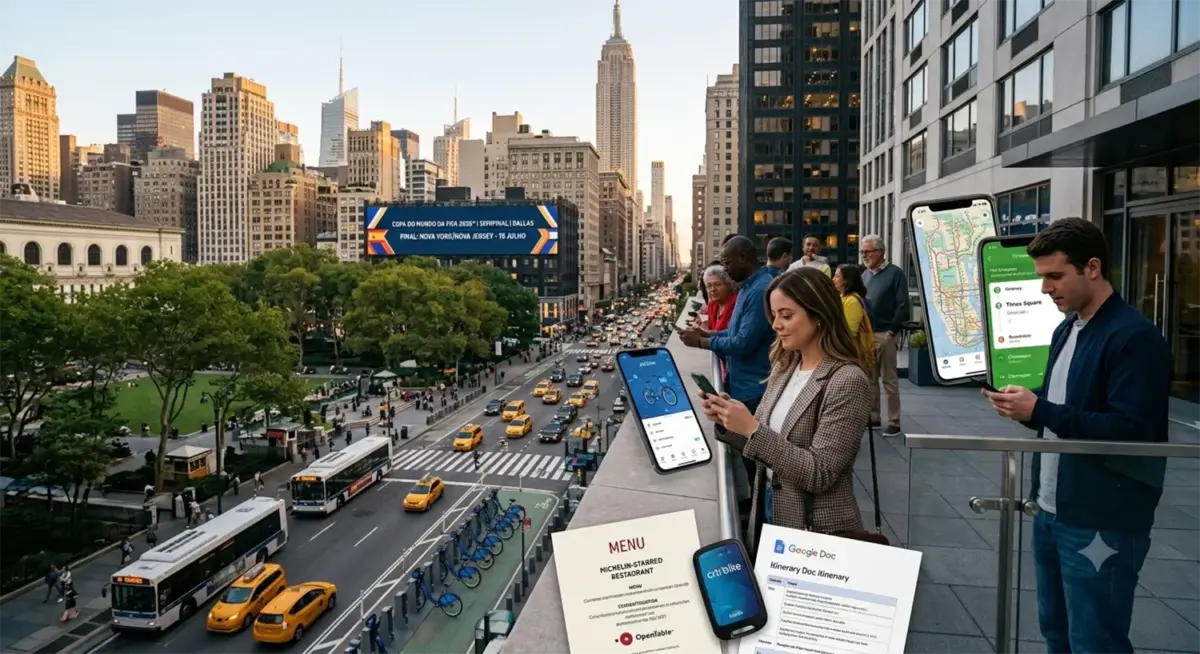
Are you planning to visit New York City? Well, you are going to spend some of your time in one of the busiest and most exciting cities in the world. Luckily, nowadays there are technologies that will definitely simplify the whole process of traveling. No matter whether you want to get to Brooklyn from Manhattan, choose the perfect place to have dinner, or communicate with friends from home – these digital tools are designed to make your travel to New York as comfortable as possible.
In this post, we are going to discuss the basic digital tools that every visitor of New York should download before going to one of its three airports: JFK Airport, LaGuardia Airport, or Newark Liberty International Airport (in New Jersey).
Getting Around the City
Public transport in New York can confuse you during your first few days. However, it is really convenient, quick, and cheap (compared to cars). So, if you are not afraid to use the subway, you can choose it to reach any place in New York. The subway in the city can be easily tracked using the official app of the MTA. There you will find the latest information regarding any changes in the schedule, delays, etc.
Uber and Lyft are two popular ride-hailing services in the city. They are easy to use, allow you to track your driver, and check the cost of a ride before ordering. Taxis are also widespread and available in New York. You can hail a taxi on the street or in some apps such as Curb and Arro.
It is worth noting that Google Maps is really useful in New York. Google Maps offers the integration of subway, bus, and walking navigation. You will be able to compare different ways to get to a place and get real-time information about your route in case it changes. Nowadays, the Apple Maps app has become pretty advanced too and works very well in New York, although most New Yorkers prefer Google.
There is also a bike-share system in the city called Citi Bike. With the help of its app, you can find the nearest station and rent a bike. Even if you are not a not a regular cyclist, you can rent a bike for a specific trip through Central Park or Hudson River Greenway.
You can also use Citymapper. It is a transit app from London that also works in New York. The app offers detailed and real-time information regarding transit in a very intuitive interface. Some tourists find this app more intuitive than the official MTA app.
Discovering the City and Its Attractions
New York is a city where you can visit tens of thousands of places to eat. There are lots of corner pizza shops, cafes, and Michelin-starred restaurants. The best way to make a reservation at any sit-down restaurant is to use the OpenTable app. You can search for a restaurant based on the neighborhood, cuisine type, and rating, and book a table through the app.
If you want to visit a cafe or a bar, you can use the Yelp app that will provide you with a search option, filters based on ratings and reviews, and real pictures from other diners. Another good reservation app is Resy, which is focused on upscale and trendy restaurants.
Thrillist, Eater NY, and Time Out New York also have apps that recommend places in the city to visit and events that happen there. It is worth mentioning that these apps offer not only restaurant guides but also articles about neighborhoods, new trends in food, and other interesting things.
Don’t forget about apps that provide reviews from local people. Google Local Guides and Apple Maps reviews provide detailed information about places. For example, a restaurant may have 5 stars, but you may also see that “you will have to wait for 45 minutes even with a reservation.” It is priceless information that you will definitely need.
Keeping in Touch
To stay in touch with your friends or family from home, you don’t need to spend additional money or waste much time. Apps such as WhatsApp, Telegram, and Viber offer the possibility to use Wi-Fi or cellular internet to send messages and make calls to your friends without spending money on international text messages and phone calls.
Wi-Fi is widespread in New York. You can connect your laptop or smartphone to the network in Starbucks, libraries, parks, and most restaurants. While thinking about the connectivity options, you may take into account the following approaches:
- Use messaging apps instead of SMS to save money on international text messages.
- Buy a prepaid SIM card with data from local carriers (T-Mobile, Verizon) to get faster internet speeds rather than relying on Wi-Fi only.
- Google Fi is perfect for travelers because this phone service by Google has the same data prices in over 200 destinations, including the USA. If you travel with an unlocked phone, many local carriers provide prepaid plans that are cheaper than international roaming via your home carrier.
It is important to understand your digital footprint while traveling. After connecting to a VPN, some people search for “my IP address location” to verify that their visible IP address matches the VPN server they selected. This is a quick way to check whether the connection is working as expected.
Planning Your Trip
When you are going to visit New York City, Google Flights is the best starting point to find a flight. The app will help you track price alerts for your chosen route and compare ticket prices across different airlines. Other good alternatives are Kayak and Skyscanner, which offer the same functionality.
There are several alternatives to book hotels and apartments: Airbnb, Hotels.com, Booking.com, and the websites of particular hotel chains. Nowadays, many travelers prefer to book hotels directly since hotels match prices on their websites and offer loyalty programs for direct bookings.
The Hotel Tonight app allows you to book hotels at the last minute. If you are flexible with dates, you may find luxury hotels at a discount on the same day or the night before.
Managing Your Trip
Google Docs allows you to create an itinerary for your trip together with other travel companions and monitor changes in real time.
Notion has become popular for planning trips. You can create databases for restaurants, attractions, daily itineraries, and more.
Evernote is perfect for recording random information. You can store screenshots of restaurant addresses, article clippings, photos of maps, and notes with recommendations that your friends gave you. The search function in Evernote is excellent for finding the restaurant that someone recommended to you weeks ago.
Stay Safe and Be Informed
NYC.gov is the official website of the city and can provide you with information about services, attractions, and safety resources in the city. It can be helpful to have this link to contact city services in case you need them.
If you are visiting neighborhoods with populations from different countries, Google Translate will be extremely useful. You can use your smartphone’s camera to translate texts on signs and menus. This will open many new neighborhoods for you.
Enjoying Your Visit in New York
New York City is a city that requires equal parts preparation and discovery. Having these apps installed before you visit New York will give you more opportunities to enjoy your stay there. Install your apps, test them before the trip, and perhaps watch YouTube videos about specific apps.
It is the city itself that will give you the experience. These apps are designed to support your journey, reduce friction in logistics, and give you more time to do what you came to do.
